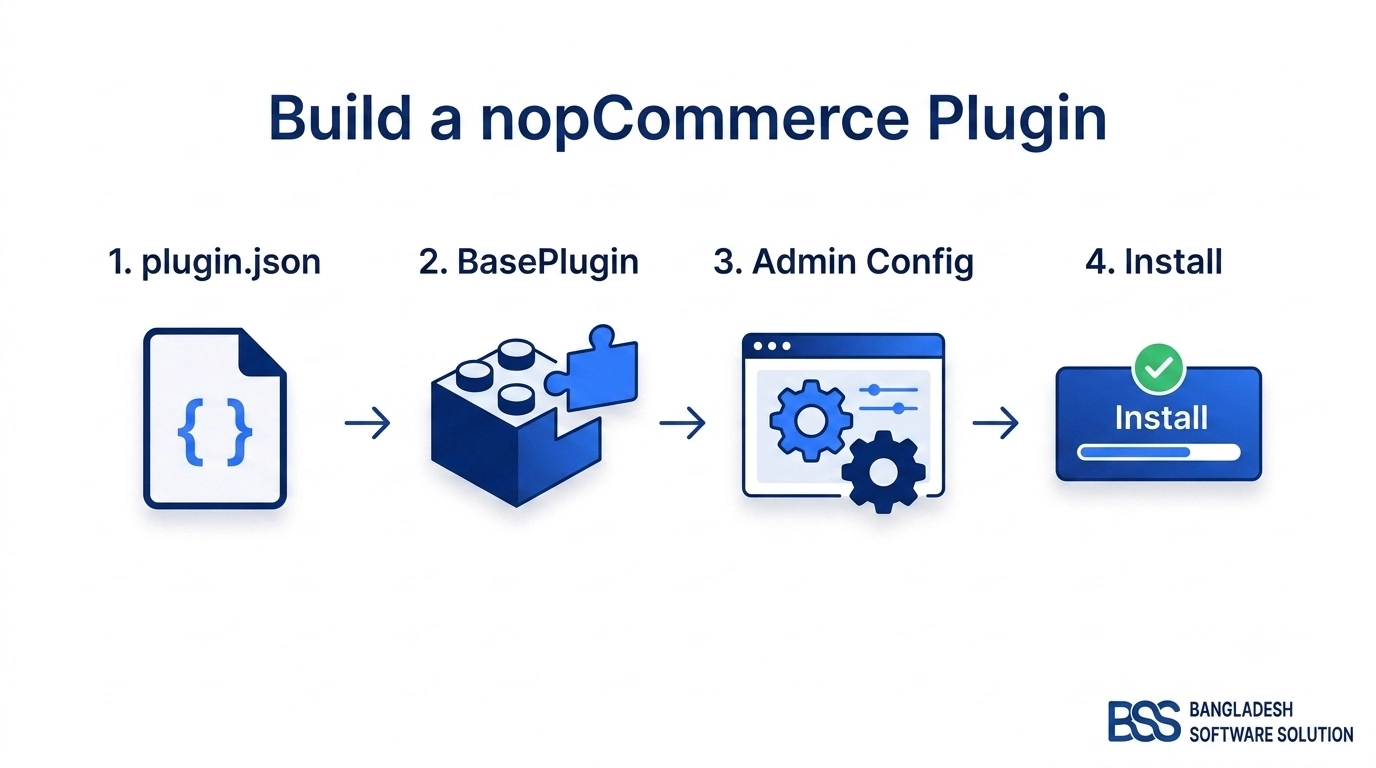
Key takeaways
- A widget plugin implements
IWidgetPlugin:HideInWidgetList,GetWidgetZonesAsyncandGetWidgetViewComponent. - Zones are strings. In nopCommerce 5.00.1 the
PublicWidgetZonesclass lists 195 of them, so use its constants instead of typing names. - The zone points at a view component that derives from
NopViewComponentand renders inInvokeAsync. - Enable the widget under Configuration → Widgets. A wrong zone name fails silently.
You have built a nopCommerce plugin, it installs, and it shows under Local Plugins. The banner or the product-page note it was meant to add is nowhere on the storefront. Installing a plugin does not render anything; rendering takes a second interface, IWidgetPlugin, and the exact name of a zone.
This guide picks up where plugin creation leaves off: the interface, choosing a zone, the view component that renders, and the admin step that switches it on. We checked every type and zone name against the nopCommerce 5.00.1 source on GitHub on 25 November 2026.
Key fact: nopCommerce does not throw an error for a zone name that does not exist. It simply never calls your component, so the zone string is the first thing to check.
What Is a Widget Zone, Exactly?

A widget zone is a named slot that a Razor view exposes. The view asks nopCommerce for whatever widgets are active in that zone and renders them, without knowing which plugin they come from. Your plugin never edits a core view to appear on a page.
The public zone names live in one class, PublicWidgetZones, in the Nop.Web.Framework project. At release-5.00.1 it defines 195 of them, each a property that returns a string. A separate AdminWidgetZones class covers the admin area.
| Group | Examples from PublicWidgetZones |
|---|---|
| Catalog and content | home_page_before_products, categorydetails_top, productdetails_before_pictures |
| Checkout and orders | checkout_confirm_top, checkout_payment_method_bottom, order_summary_totals |
| Layout, on every page | header_after, footer, body_start_html_tag_after |
Need a widget built and tested? BSS builds nopCommerce plugins and widgets for stores and agencies.
View nopCommerce servicesThe IWidgetPlugin Interface

IWidgetPlugin lives in Nop.Services.Cms and extends IPlugin with three members. Once they are in place, nopCommerce handles enabling, disabling and rendering.
public class WidgetZoneDemoPlugin : BasePlugin, IWidgetPlugin
{
    // Hide it from Configuration → Widgets when the plugin has its own settings page
    public bool HideInWidgetList => false;

    public Task<IList<string>> GetWidgetZonesAsync()
    {
        return Task.FromResult<IList<string>>(new List<string>
        {
            PublicWidgetZones.ProductDetailsBeforePictures,
            PublicWidgetZones.CheckoutConfirmTop
        });
    }

    public Type GetWidgetViewComponent(string widgetZone)
    {
        return typeof(WidgetZoneDemoViewComponent);
    }
}
GetWidgetZonesAsync returns a list, so one plugin can render into several zones. GetWidgetViewComponent is called with the zone name, so different zones can point at different components. Using the PublicWidgetZones constants instead of typed strings catches a renamed zone at compile time.
The built-in Google Analytics widget in 5.00.1 does exactly this. It returns HeadHtmlTag, ProductDetailsTop, ProductBoxAddinfoAfter and Footer, and sets HideInWidgetList to false.
A widget hiding in a payment plugin
The PayPal Commerce plugin's main class implements both IPaymentMethod and IWidgetPlugin, with HideInWidgetList set to true, so owners configure it from Payment methods rather than the widget list.
Building the Widget: View Component and View

GetWidgetViewComponent must return a view component type, a class that derives from nopCommerce's NopViewComponent, not a controller action or a bare Razor view. The Google Analytics widget follows that pattern, with an InvokeAsync method that receives the zone and extra data.
public class WidgetZoneDemoViewComponent : NopViewComponent
{
    public async Task<IViewComponentResult> InvokeAsync(string widgetZone, object additionalData)
    {
        var model = new WidgetZoneDemoModel { WidgetZone = widgetZone };
        return View("~/Plugins/Widgets.WidgetZoneDemo/Views/PublicInfo.cshtml", model);
    }
}
Both parameters are worth using. widgetZone is the name the page passed in, so one component can render differently per zone. additionalData is whatever model the host view passes, such as the product on a product page, or null where there is none.
Widget plugin build checklist
- Look up the zone in
PublicWidgetZonesfor the version you target. - Implement
IWidgetPluginon the plugin class, includingHideInWidgetList. - Return the zone constants from
GetWidgetZonesAsync. - Return a
NopViewComponentsubclass fromGetWidgetViewComponent. - Write
InvokeAsyncand its Razor view. - Install the plugin, then enable it under Configuration → Widgets.
Choosing (and Verifying) the Right Zone

A zone that is misspelled, renamed or missing from your version does not raise an error. Your component is simply never called. Take the name from the source of the version you target, not from an old forum thread.
Zone names usually describe the page and the position, such as productdetails_before_pictures or checkout_confirm_top. Open PublicWidgetZones.cs at the release tag you run and search for the page you want.
| Approach | What it involves | Trade-off |
|---|---|---|
| Use the constants | Reference PublicWidgetZones properties in code | A removed zone breaks the build, which is what you want |
| Read the source | Search PublicWidgetZones.cs at your release tag | Accurate for that version; needs repeating after upgrades |
| Log zones in staging | A temporary widget that records every zone it is asked to render | Shows which zones a page really renders, at the cost of an extra step |

If the widget you need is a promotional banner, this plugin lets store owners display banners for promotions, products or offers without new code.

When we build widget plugins, we reference the PublicWidgetZones constants rather than typing zone names, so an upgrade that renames a zone shows up as a build error instead of a blank spot on the page. Our BSS Banner plugin is one we maintain this way.
Registering the Widget and Fixing a Missing One

A widget that compiles and installs still does not render until it is switched on. The official documentation configures widgets under Configuration → Widgets: install the plugin if needed, then mark the widget active. The zones come from your plugin's code, so there is no zone picker to fill in.
When a widget does not show, four causes cover most cases.
Test in a private window, so cached pages in your browser cannot hide the change. For the plugin basics, our guide to creating a nopCommerce plugin covers the project, plugin.json and installation.
If you would rather hand the plugin work to a team that already ships it, our nopCommerce services include custom plugins and widgets, tested on staging before they reach your store.
Widgets built against the right version
BSS engineers build nopCommerce plugins and widgets on the zone constants of the version you run, and test them on staging first.
Frequently Asked Questions
Final Thoughts
A missing widget rarely means nopCommerce is broken. One link in the chain is missing: the interface, the zone name, the view component or the admin switch.
Use the PublicWidgetZones constants, keep the component small, and switch it on under Configuration → Widgets. After the first widget, the next one is the same four steps.
Tell us where on the page it should appear and what it should show. We build and test nopCommerce widgets for the version you run.
Talk to an expert